QA Notes Management Report
The QA Report may be accessed from the SynComm Landing Page at Admin -> QA Notes -> Report. Users must have the following privileges in order to access the report:
- The user can change system settings
- Can View QA Report
The QA Notes report may be generated to review any entries where a QA Note has been stored. The Start Date and End Date ranges are based on the date the images were stored in Synapse PACS. A default date range of one year prepopulates the date range fields, however this may be changed by the user. Users may choose to specify the search by the following criteria:
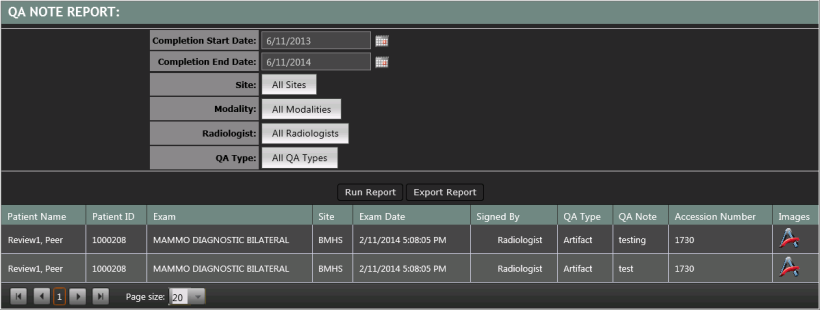
Results can be exported as a .csv file for further analysis by selecting the Export Report button above the data grid.
Images may be launched from the worklist by selecting the icon in the Images column.